Operation Confirmation
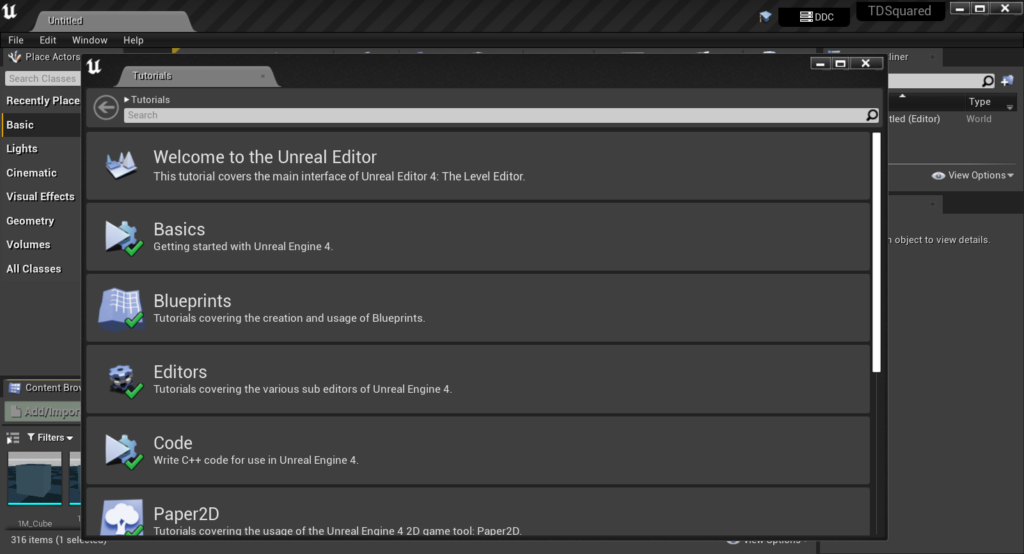
What if I could not run Unreal Engine 4 on my laptop? What if group members run different version in the same project? We need to check these things before we actually start developing our game. Our group shared the project on our GitHub repository, and I opened the project to see if I have proper version of Unreal Engine 4. I could open the project, and just started to do tutorial.
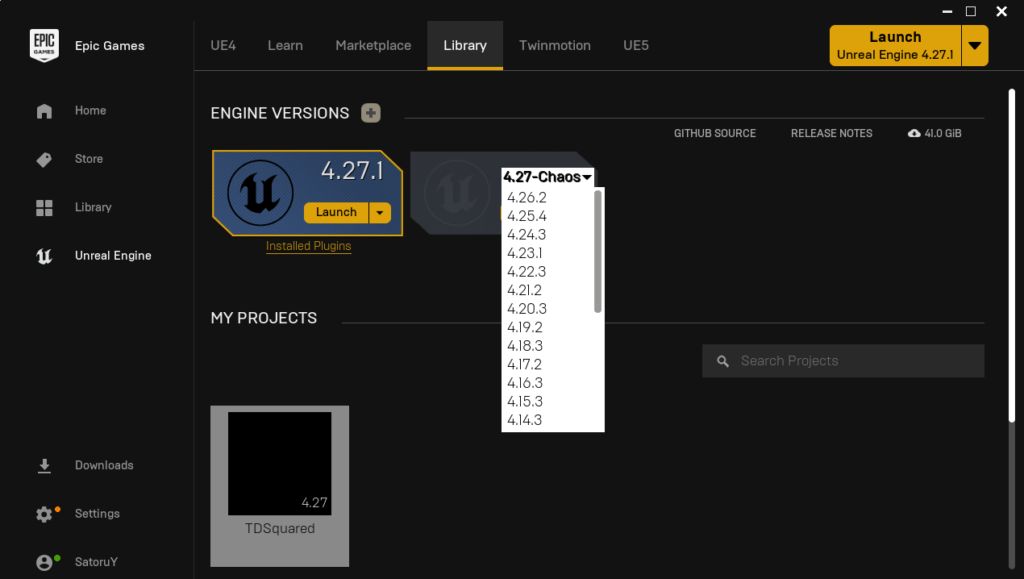
I also checked if I could change the version of Unreal Engine 4.
Blueprints and Behavior Tree Quick Start Guide
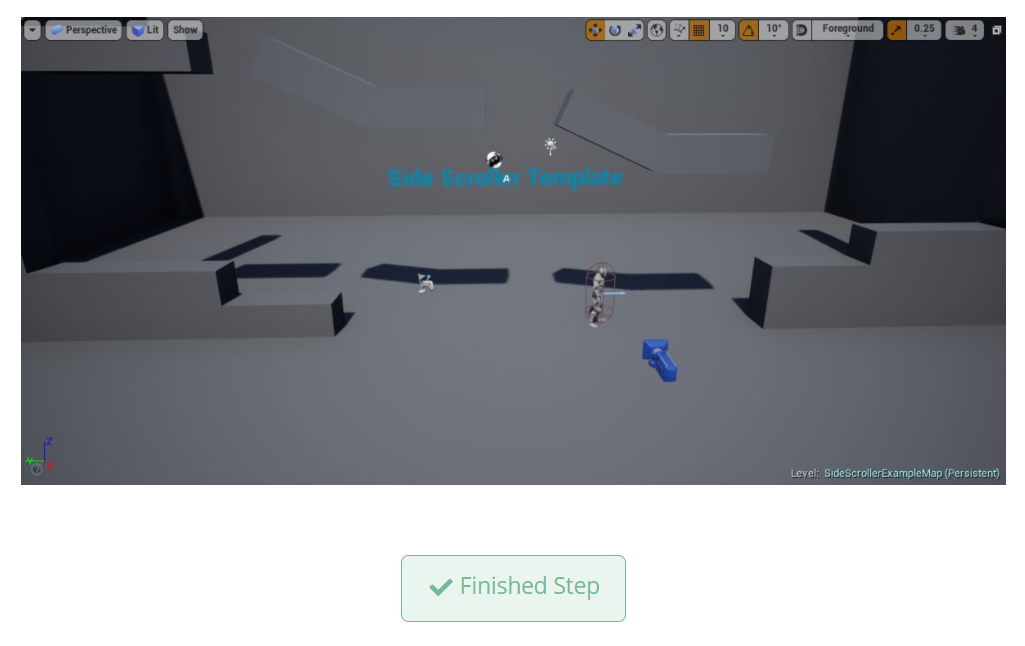
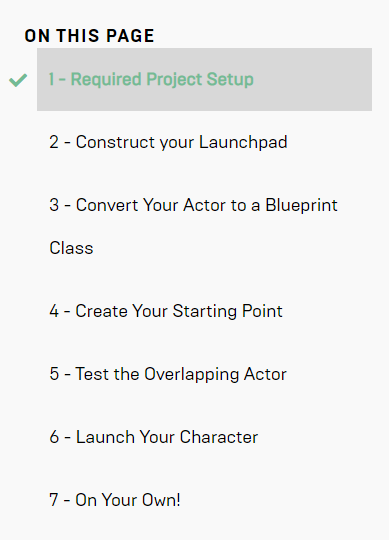
I started to research and learn about Blueprints and Behavior Tree in Unreal Engine 4. Here are quick start guides for them: Blueprints, Behavior Tree. This quick start guides are so user friendly. With the “Finished Step” button, I am able to see which step I finished. I am not planning to finish these tutorial steps in a day, so this step buttons are really useful to me. By following these steps, I am able to create simple project using Blueprints and Behavior Tree assets.
I am planning to create a game project before next term we start to develop our prototype of game. I hope I will show some progress of my personal game project on next blog, but I have midterm exams in this week XD.
