
By Norma Kline, OSU Extension Forester for Coos and Curry Counties and Alicia Christiansen, OSU Extension Forester for Douglas County
Trade-name products and services are mentioned as illustrations only. This does not mean that the Oregon State University Extension Service either endorses these products and services or intends to discriminate against products and services not mentioned.
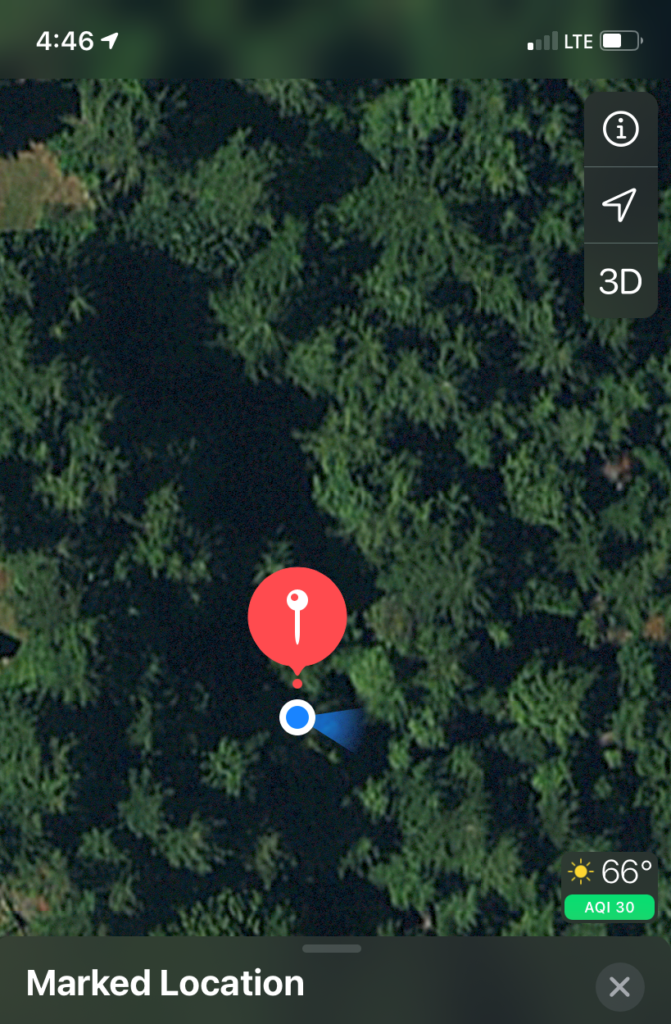
This is the third article in our written series detailing how to get the most out of readily available mapping apps. The first article covered how to get the most out of your basic mapping app that comes preloaded on your smart device (https://extension.oregonstate.edu/forests/health-managment/digital-mapping-tools-part-1-basics). In the second article, we covered the process of printing a topographic map (https://extension.oregonstate.edu/forests/health-managment/digital-mapping-tools-part-2-printing-topographic-map). Remember, it’s always a good idea to carry a paper map as a back up to your digital devices! In this article we will follow a fictional landowner as she learns how to export features (points, lines, polygons) from a smart phone or tablet to a mapping program on her computer and vice versa. We also introduce the CalTopo mapping program which has a number of useful functions, including viewing elevation profile data and exporting base maps for use in mapping apps.
Continue reading
