Most of my peers have jumped at the opportunity to take courses in mobile application development. Personally, I’ve avoided mobile development for a handful of reasons:
- I’ve never really enjoyed the ‘mobile app’ experience. The most likely reason for that is that I’ve never had a phone or tablet that’s fast enough to make the experience any less than frustrating. Currently I own an iPhone 5S, which, I assume, most app developers do not test on anymore, because about half of the applications I’ve tried in the past year will either crash, grind to a halt, or — my favorite — have styling issues that make them impossible to use.
- Responsiveness. While I find fiddling around with CSS to be therapeutic (for the most part), making pages responsive has always felt like painting the same picture over and over again in different sizes. It doesn’t have the same thrill of getting it right the first time and fine-tuning a great look; it’s more like working in a print shop, cropping and resizing photos.
- Fear of the unknown. This is more of a character defect on my part than any complaint I can lodge with the mobile application sphere, but I’d be lying if I didn’t admit that simply being wholly unfamiliar with mobile development, and not knowing where to start, has influenced my aversion to it.

Photo by Tandem X Visuals on Unsplash
So why bring these hesitations up? Well, because I’m writing a mobile application, of course! For my capstone project, I’ve been working with two others on a Flutter project called The Bike Kollective, which is a map-based “bike-share” application. Since working with Flutter in Android Studio has been the extent of my experience thus far, it seems appropriate to restrict my reflections to those things.
Reflections on Flutter and Android Studio
The first thing I thought when setting up my computer to open up the beginnings of our Flutter project was, “Boy, am I downloading a lot of stuff.” And I was. To get started, I had to grab the language tools, an emulator, and Android Studio itself before I could really take a peek at a running project. I’ll admit, though, that the process was quite smooth and frictionless. Watching the gigabytes fill up on my hard-drive was a mostly passive experience.
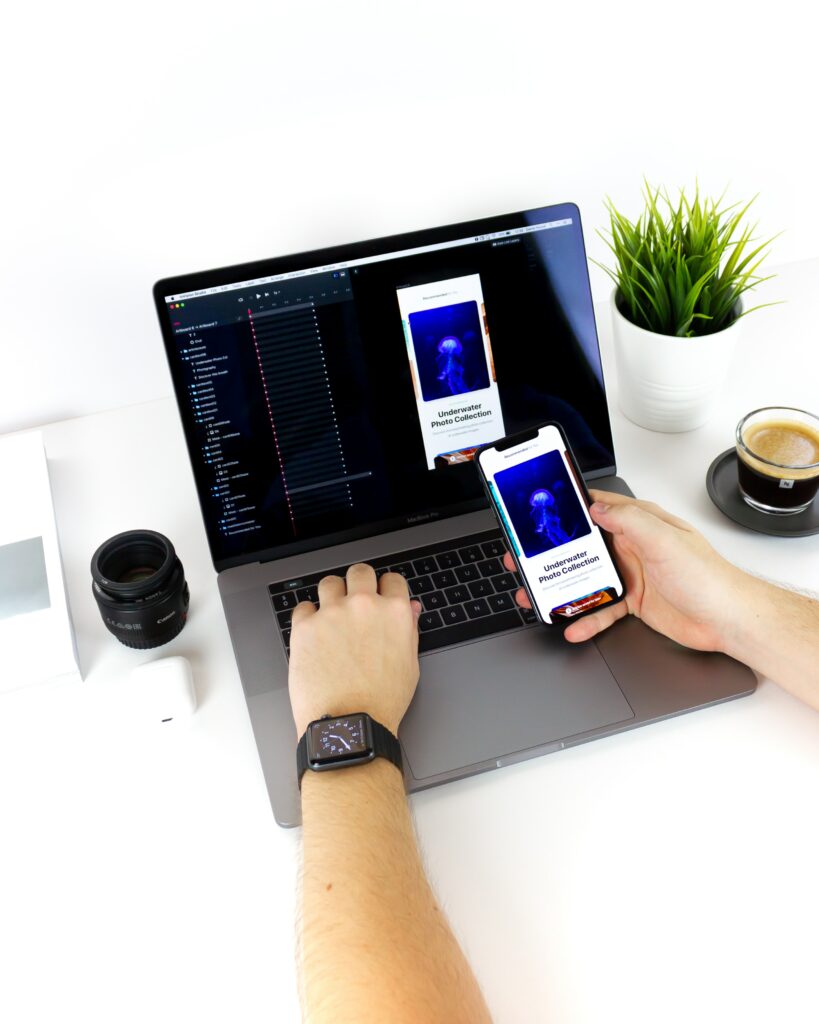
Photo by Daniel Korpai on Unsplash
I was pleased to see that Android Studio bore a familiar face, being a modified version of an IDE from JetBrains (the makers of PyCharm, WebStorm) with all the typical settings and tools right where I remember them being. In fact, my entire experience with Android Studio so far has been overwhelmingly positive. Its ability to hook up seamlessly with the emulator and hot-reload the environment whenever changes are made hasn’t exactly saved tons of time (it’s only an extra couple of clicks to restart the program and get back to where I was), but it has made developing much more fun, as working in real-time adds a special a flow to the process, encouraging experimentation in a way that checking your progress periodically can’t match.
Flutter, as well, surprised me with its similarities to technologies I was already familiar with. My first impression was, “This is essentially React for mobile,” and, to me, that remains a fair one-sentence assessment. While the language of Flutter, Dart, has its differences from React’s JavaScript (Dart is more similar to C++ or Java), both React and Flutter are component-driven frameworks for making stateful applications. To that end, I was able to use my (limited) experience with React to feel at home with Flutter within short time, which certainly aided my confidence and made my initial feelings towards the framework more positive.
How about the Android emulator? Well, it’s… fine. It does the trick. Given that the other tools so far had given me exceptional first impressions, the emulator being less-than-perfect is really only souring in comparison. I will also state that the problems I’ve experienced, such as occasional crashes, non-responsiveness, and difficulty using the mouse and keyboard to navigate some screens may all be due to the hardware/operating system that I’m running the emulator on. There may be better emulators out there than the one I’m using, but for now the problems I’ve experienced haven’t been catastrophic enough to warrant looking elsewhere.
So, that about sums up my early impressions of Flutter and Android Studio. Overall, I’m happy with my decision to opt for a mobile-based project, as this will help open some doors and grant some experience, which surely beats sticking to the same-old-thing. Hopefully my experience will remain positive, but you’ll have to tune in to find out.
