For my capstone project, we were assigned to work on an a client’s existing codebase. They were using MongoDB for their database so I spent some time researching how to get started as quick as possible.
First find out which product of MongoDB the project is using. There are different offerings of MongoDB: Atlas (the cloud version) and Server. MongoDB Server can be access on the command line through a mongo shell. The command to access the shell is either mongo or mongosh (in beta). This might be the hardest part, and different for every project so you’d probably have to ask your senior engineer on how to start the database in order to access the shell. Since our database was on a Docker image, after starting the database, the command to access the shell was ‘docker exec -it db mongo’.
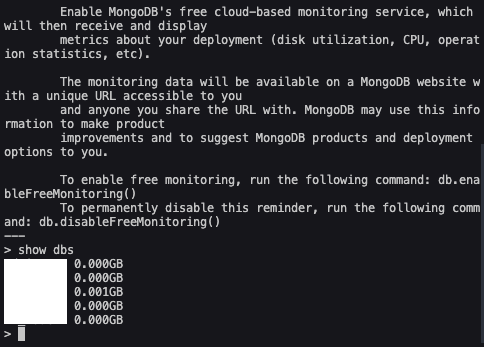
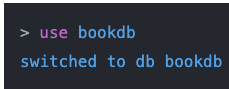
This is what the mongo shell looks like, from here you use the ‘show dbs’ command to display which databases the project is connected to. To switch to a specific database, type the name of it in this command ‘use <database>’.
Each database should have a bunch of collections. MongoDB stores information in documents and a group of documents is called a collection. To see your collections use ‘show collections’ or ‘db.getCollectionNames()’ to see all the collections. Finally to see all the documents inside a collection, type the collection’s name using ‘db.<collection_name>.find({})”. This command is essentially ‘select * from table’ from SQL.
Hopefully from this quick guide, you can access the project’s database so you can start creating new collections or updating existing ones. From here you want to learn some of the CRUD commands. Here’s the one that I reference from.