Generally speaking, if you want to draw flow charts, you will first think of Visio, because of its excellent performance in drawing flow charts.
Here we mainly introduce the main use of flow chart.
Basic flow charts: Used to create flow charts, sequence diagrams, information tracing diagrams, process planning diagrams, and structure prediction diagrams, including shapes, connections, and links.
Steps:
(1) Open Visio and click “Categories” – > “Flow Chart” – > “Basic Flow Chart” – > Create.
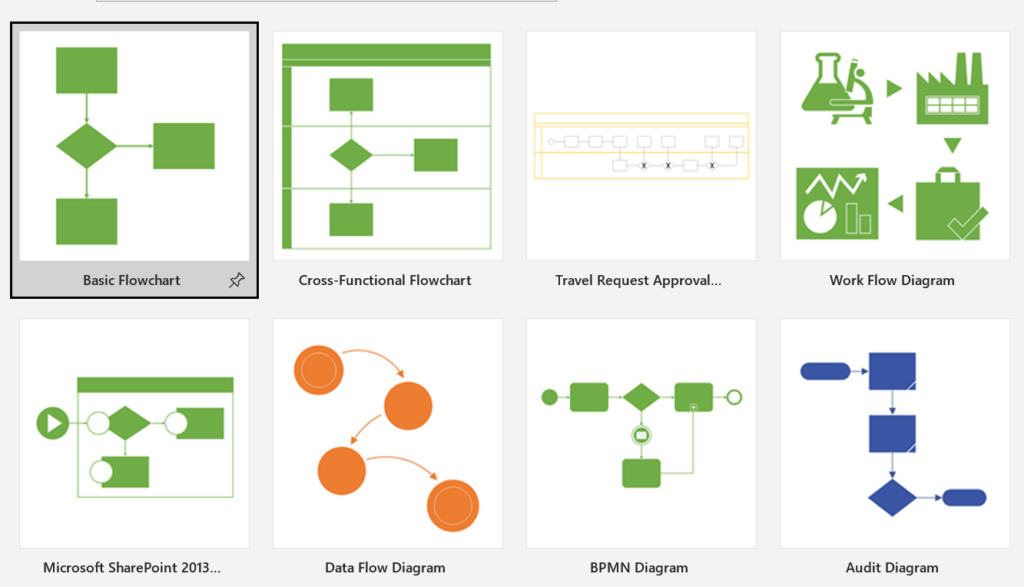
(2) Drag a flowchart shape onto the page for each step in the process to be shown.
(3) Connect the flowchart shape by hovering the mouse pointer over the shape, and then clicking the small arrow that appears pointing to the shape (the shape you want to connect to).
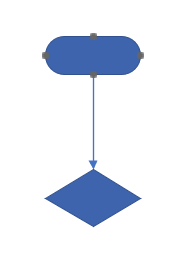
To add text to a shape or connection line, select it and type it. When you are finished typing, click on a blank area of the page.
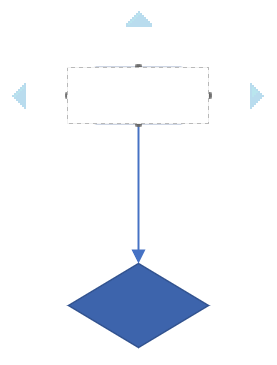
To change the direction of the connection line arrows, select the connection line, then on the Shapes TAB in the Shape Style group click Lines, point to Arrows, and select the arrow direction and the desired style.

You can also manually draw the desired shapes and lines.
