For the last week, our team has been designing our game and making all kinds of decisions on how it should play and what customizations we want to include. With all that concluded, I found myself quite excited to jump into Unity and start putting pieces together for our login and registration screens. I slapped together a nice background, made some buttons and input fields and then congratulated myself on a job well done.

Then I proceeded to build the game to webgl and host it on github pages. Then I became sad. My nicely spaced buttons and text items placed with care had floated themselves into different places on the screen.
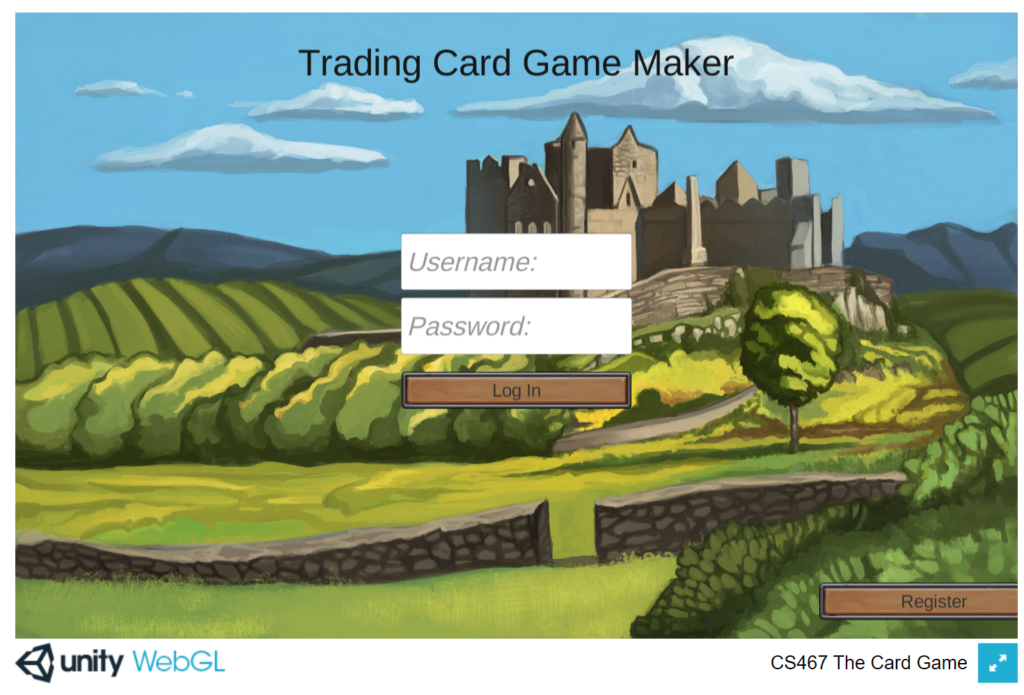
Queue lots of internet sleuthing through unity’s forums and Stack Overflow threads to find a solution to my mystery moving UI elements. Every thread makes UI scaling seem so simple yet after tinkering and rebuilding over and over something would always be out of place. Eventually, I discover the canvas scaler on the Unity canvas object which controls the placement of all my UI elements. In there, I find an option to make the canvas scale with screen size and be based off a reference resolution. Perfect! I set up my reference resolution as 1920×1080 which matches my monitor and pat myself on the back for solving my little issue.
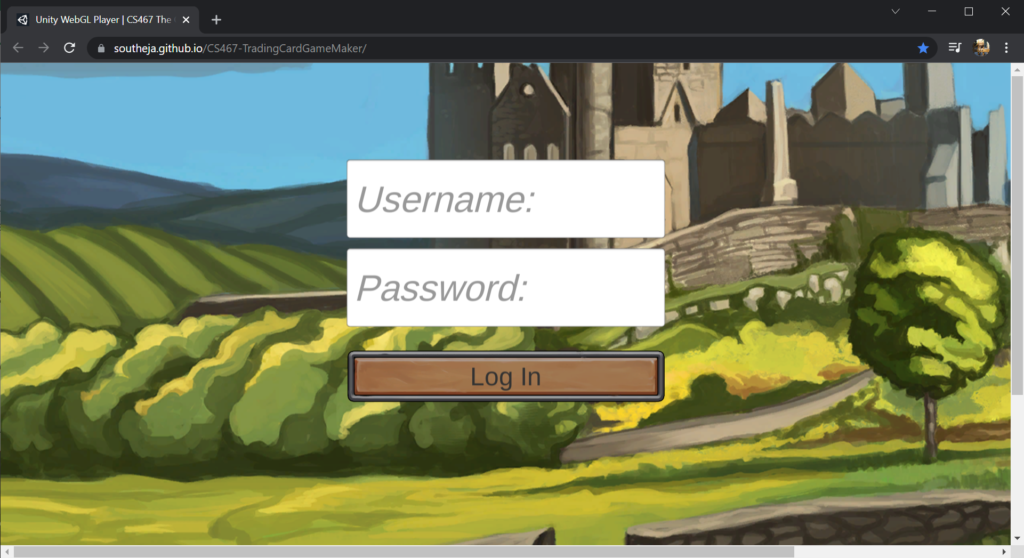
Nope. The game window is giant and the game’s name has flown to the moon. Back to the drawing board again. This time I revert the canvas back to its default resolution of 960×600. Obviously something else is causing the game to scale the UI in some way. I then determine the canvas itself is not the same size as the reference resolution defined in the canvas scaler. Why? Nobody knows because a simple press of the play button in Unity followed by stopping the game triggers the canvas to resize to the reference resolution. At this point I realize there is also an option to match screen size to height, which seems like a good idea for a game presented in portrait on the web. Now everything looks great and in the correct positions once again. Finally, one last rebuild and push to GitHub pages reveals my login screen with everything where it should be.
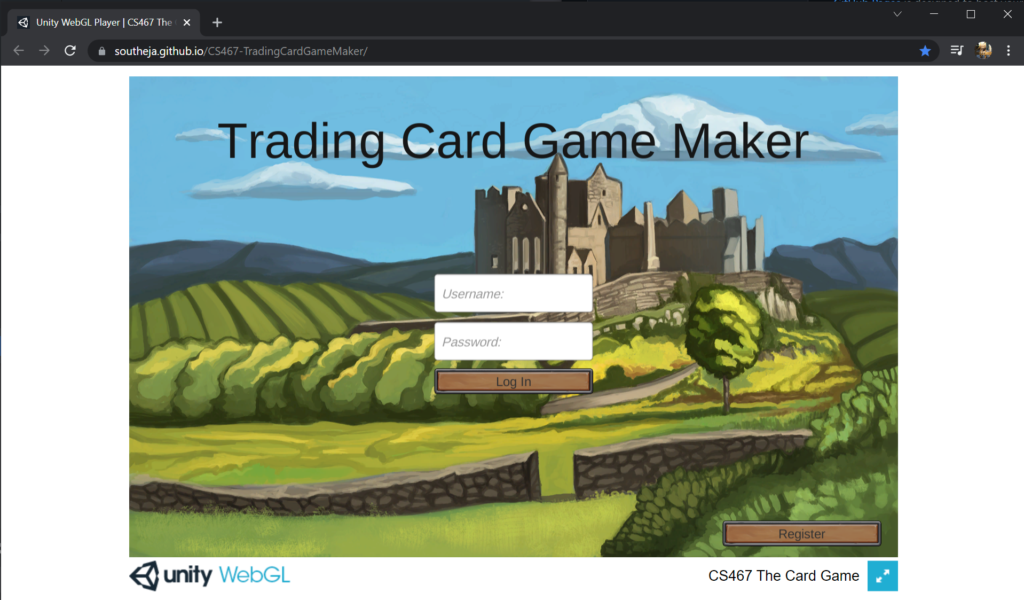
When I set out to start creating this game I never expected that errant UI elements would be the first big hurdle. Obviously I have much to learn about game development. This first foray into Unity has been eye opening to say the least. I am still not sure if the UI will continue to behave correctly as the team continues to add more elements. However, I now feel just a little bit more prepared to tackle those roadblocks and whatever the next may be.
