Been a while since my last post since my team has been hard at work, but I was lucky enough to receive my top choice of creating a microcontroller home humidity sensor with a Raspberry Pi Pico. All of us were relatively new to embedded programming so this project was a great opportunity for us to build on what we learned in this program and apply that knowledge to a reasonably scoped hardware project.
To avoid the usual “it works on my machine” dependency issues (since our team was split between Windows and Mac), we decided to try GitHub Codespaces with C. Using a cloud environment for hardware development turned out to be an interesting experiment!
Here’s what we learned:
The Good
- Your entire development environment runs on the cloud
- Everything (editor backend, compilers, CMake, etc.) runs in a remote container.
- Works the same on Windows, Mac, or Linux
- Same versions, same tools, same dependencies.
- Easy to start fresh with consistent builds
- If something breaks you can just delete the Codespace and start a new one.
The Bad
- Limited free hours (on non-pro/student plan) and requires Internet
- No Direct USB access
- We had to build the firmware on Codespaces, then download it and flash it to the Pico. Also, analyzing the USB serial output isn’t possible in Codespaces VS Code.
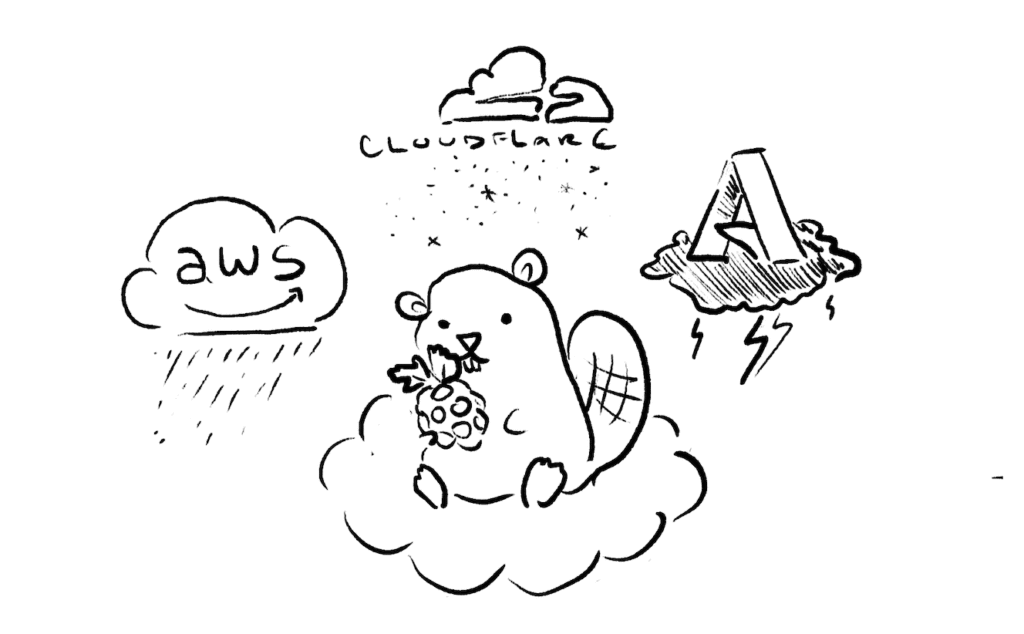
- Dependent on GitHub/AWS/Azure uptime
- We encountered a few outages during the term, which temporarily delayed our work
Conclusion
For embedded development, the cloud can’t fully replace a local setup. The official Raspberry Pi VS Code extension (which isn’t available on Codespaces) makes the local workflow easy for beginners, handling all the complex toolchain setup that usually trips people up. Because of that, we stuck to our local machines for most of our development. Since we kept our external dependencies minimal and relied on the standard Pico SDK, local development didn’t cause the cross-platform headaches we feared. With all that said, we still found it useful to use Codespaces as a sandbox for quick edits and verifying build consistency.
It took a while to get used to the workflow, but once we got everything up and running, it’s been great and we’re really proud of the progress we’ve made.